
TL;DR:
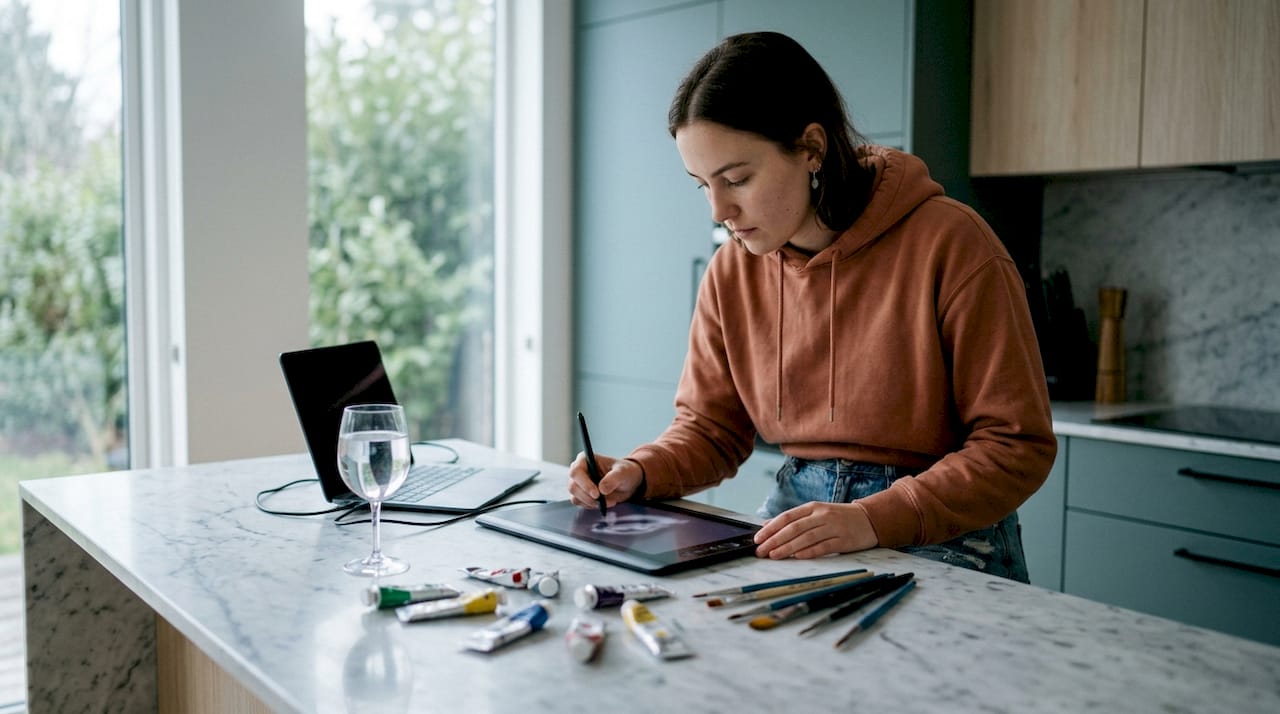
- Digital art offers artists faster creation, lower long-term costs, and seamless sharing capabilities. It enhances creative freedom through undo features and layering, allowing bolder experimentation. Digital tools enable immediate display or print of artwork for personal and commercial use without physical space limitations.
Digital art is the creation of artistic works using digital tools and software, and it has become the standard practice across animation, gaming, and commercial design. Understanding why use digital art matters to you as an artist or decorator means recognising that it removes barriers that traditional media cannot. You gain speed, flexibility, and cost savings that compound over time. This guide covers the core advantages, practical realities for beginners, and how digital art translates directly into personal expression and home decoration.
What are the main benefits of digital art over traditional methods?
Digital art delivers measurable advantages in time, cost, and physical space. Digital artists save significant time by skipping physical setup and cleanup entirely. You open your software and start creating within seconds. That efficiency adds up across hundreds of sessions each year.
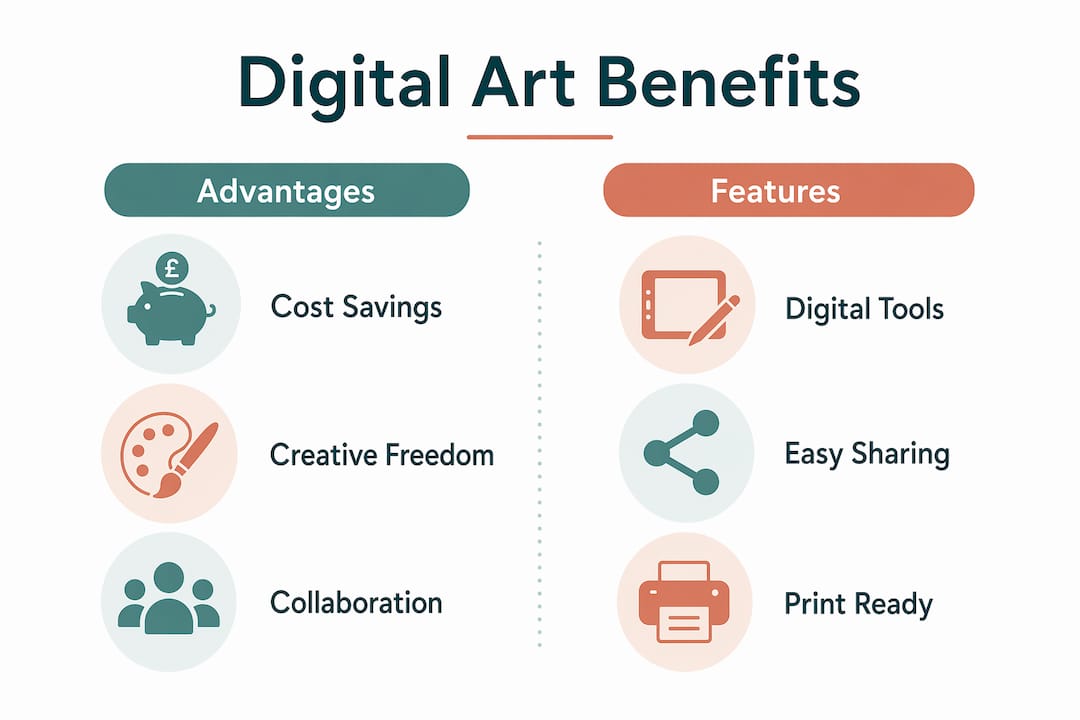
The cost argument is equally strong. Despite higher initial hardware costs, digital art eliminates recurring expenses on paints, canvases, brushes, and specialist papers. A single tablet and software licence replaces years of consumable purchases. Over a twelve-month period, most artists find digital tools cheaper than maintaining a traditional studio.
Physical space and environmental impact also shift in your favour. You need no dedicated studio, no ventilation for solvents, and no storage for bulky materials. Digital files produce no physical waste, which matters if you care about your environmental footprint.
Key practical advantages at a glance:
- No setup or cleanup time. Start and stop sessions instantly without preparing materials.
- Unlimited undo. Reverse any mistake without damaging your work.
- Lower long-term cost. One hardware investment replaces continuous material spending.
- Compact workspace. A tablet and laptop replace an entire studio’s worth of equipment.
- Reduced waste. No leftover paint, solvents, or discarded canvases.
Pro Tip: If you are starting out, a mid-range graphics tablet paired with free software like Krita gives you professional-level tools without a large upfront spend.
How does digital art enhance creative freedom and experimentation?
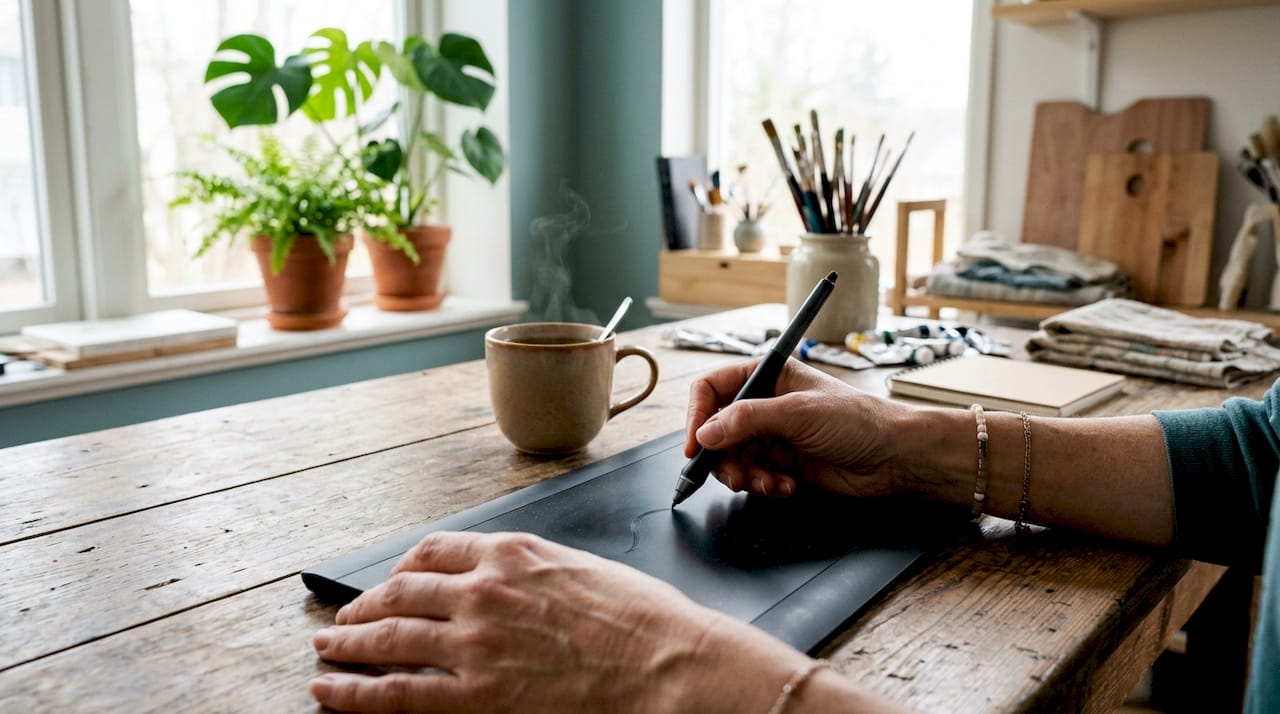
The undo function is the single most underrated feature in digital art. The undo feature eliminates fear of irreversible mistakes, encouraging faster, bolder creative exploration. You try a colour palette you would never risk on canvas. You test a composition knowing you can revert in one keystroke. That psychological shift changes how you work at a fundamental level.
Layering builds on this freedom. You separate elements of a composition across individual layers, adjust each one independently, and merge them only when satisfied. This mirrors the way a film editor works with footage rather than committing to a single cut. The result is a non-destructive workflow where no decision is permanent until you choose it to be.
“Digital tools act as a creative assistant rather than a replacement. AI accelerates ideation, but emotional resonance remains human-driven.” — Why digital art matters
Digital brushes and filters extend your range further. You can replicate oil paint textures, watercolour washes, and charcoal grain within the same file. You can also combine media types that would be physically impossible to merge.
Digital art tools integrate animation, sculpture, photography, and painting into new hybrid art forms. A single piece can include a scanned pencil sketch, a photographic texture, and a digitally painted overlay. This is not a workaround. It is a genuinely new creative category.
Many artists use hybrid workflows that preserve the best of both worlds:
- Sketch loosely on paper to capture spontaneous line quality.
- Photograph or scan the sketch at high resolution.
- Import it into your digital software as a base layer.
- Refine, colour, and add effects digitally without losing the hand-drawn character.
- Export at print resolution for physical or digital display.
Hybrid workflows combining hand sketches with digital finishing preserve the tactile quality of traditional art while maximising digital flexibility. This approach suits artists who feel digital tools lack warmth. The warmth comes from your hand. The precision comes from the software.
In what ways does digital art improve collaboration and distribution?
Sharing a digital artwork takes seconds. Digital art files are easy to share and ready for instant online publishing to global audiences. A physical painting requires photography, careful packaging, and shipping. A digital file arrives anywhere in the world without risk of damage in transit.
Cloud-based collaboration allows artists worldwide to co-create in real time, accelerating feedback cycles across multi-disciplinary projects. A designer in London, an animator in Tokyo, and a photographer in Lagos can work on the same file simultaneously. That kind of collaboration was physically impossible before digital tools existed.
The practical benefits for working artists and hobbyists include:
- Instant client feedback. Send a file, receive comments, and amend within the same day.
- Version control. Save multiple iterations without physical storage constraints.
- Global reach. Publish to digital galleries and social media platforms with no distribution cost.
- Easy reproduction. Print the same file at any size without quality loss from rescanning.
For artists building an audience, digital distribution removes the gatekeeping that once limited exposure to those with gallery connections or large marketing budgets. You post your work and it reaches people immediately.
What should beginners know about digital art tools and the learning curve?
The learning curve for digital art is real and should not be underestimated. The fundamentals of colour theory, composition, and perspective apply equally to digital and traditional mediums. Digital tools do not make art easier. They make certain processes faster and more forgiving. The artistic judgement still comes from you.
Common entry points for beginners include graphics tablets such as those from Wacom or Huion, paired with software ranging from free options like Krita and GIMP to professional suites. Each tool has its own interface logic, and learning it takes time. Expect the first month to feel unfamiliar regardless of your traditional art background.
The initial investment is the main practical barrier. A reliable tablet, a capable computer, and software together represent a meaningful upfront cost. That initial hardware expenditure tends to be more economical over time by eliminating continuous supply costs. Think of it as paying for a year’s worth of materials in one purchase, then spending very little afterwards.
Pro Tip: Start with a small-format tablet. Many beginners buy large tablets and find the hand-to-screen mapping disorienting. A compact tablet builds muscle memory faster and costs significantly less.
How can digital art be used for personal expression and home decoration?
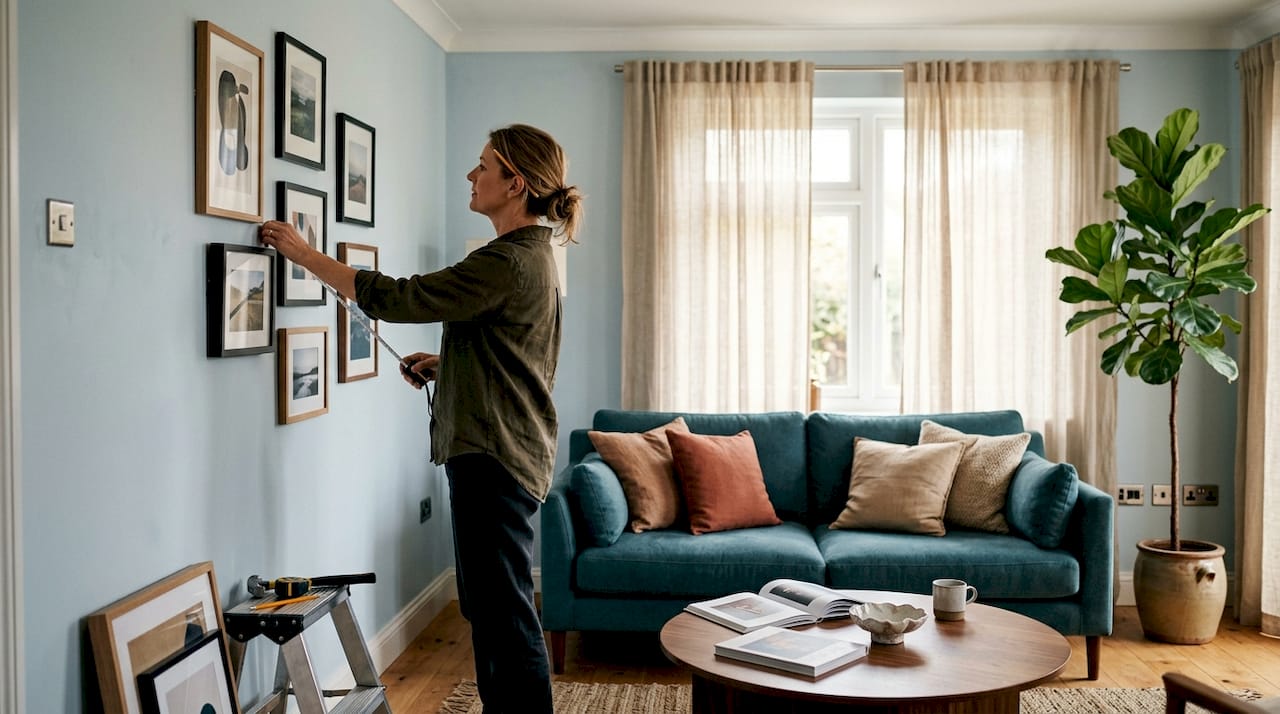
Digital art is particularly well suited to personalised home decoration. Digital artworks can be customised for individual spaces with rapid turnaround for physical prints. You choose the exact colour palette, dimensions, and subject matter to match a specific room. No traditional commission process offers that level of control at comparable speed.
The connection between digital creation and physical display is direct. A digital file exports at print resolution, goes to a professional printer, and arrives framed and ready to hang. Platforms like Frametheworld make this process accessible by offering bespoke wall art options that translate digital designs into high-quality prints for any interior.
| Application | Digital art advantage |
|---|---|
| Custom wall art | Adjust size, colour, and content to fit any room exactly |
| Personalised gifts | Print the same design on multiple formats without quality loss |
| Interior decoration | Match artwork to existing colour schemes with precision |
| Commercial spaces | Reproduce branded artwork at scale with consistent results |
For artists who want to see their work displayed physically, digital creation removes the gap between making and presenting. You design, print, and frame without an intermediary. The creative ways to personalise artwork for unique interiors are genuinely broader when you start from a digital file than from a physical original.
Key takeaways
Digital art is the most practical and flexible medium for artists who want creative freedom, lower long-term costs, and the ability to display their work at home or share it globally.
| Point | Details |
|---|---|
| Cost efficiency | Higher upfront hardware cost is offset by eliminating recurring material expenses. |
| Creative freedom | Undo and layering remove the fear of mistakes, enabling bolder experimentation. |
| Hybrid workflows | Combining hand sketches with digital finishing preserves warmth while gaining precision. |
| Distribution speed | Digital files share instantly and print at any size without quality loss. |
| Home decoration | Digital art translates directly into custom, print-ready wall art for any space. |
Why I think the fear of going digital is the biggest obstacle artists face
Most artists I speak with delay adopting digital tools for one reason: they believe digital work will feel less authentic than what they make by hand. That concern is understandable. It is also, in my experience, resolved within the first few weeks of serious practice.
The authenticity of a piece comes from the decisions you make, not the tool you use. A digital painting made with genuine intention reads as more personal than a traditional piece made mechanically. The medium does not determine the meaning.
What I find more interesting is how digital art changes the relationship between making and displaying. When you work traditionally, there is a gap between finishing a piece and seeing it on a wall. With digital art, that gap closes. You design something, send it to print, and it is hanging in your home within days. That immediacy changes how you think about making art for your own space.
For beginners, the practical advice is simple. Do not wait until you feel ready. The fundamentals you already know from drawing or painting transfer directly. The software is learnable. The investment pays back. Start with what you can afford and build from there.
— Lennard
Frametheworld’s collections for digital art lovers
Frametheworld offers collections that reflect the full range of digital art’s creative possibilities, from the textured calm of Wabi Sabi wall art to the bold energy of Pop Art prints. Each piece is produced to a high standard, with options for custom sizing and bespoke commissions that suit both private homes and commercial interiors. Whether you want a statement piece for a living room or a coordinated series for a professional space, Frametheworld’s range gives you the quality and flexibility that digital art makes possible. Browse the collections to find artwork that fits your space precisely.
FAQ
What is digital art, exactly?
Digital art is artwork created using digital tools such as graphics tablets, computers, and specialist software. It covers illustration, painting, animation, photography editing, and mixed-media work.
Is digital art harder than traditional art?
Digital art requires the same mastery of colour theory, composition, and perspective as traditional art. The tools are different, but the artistic fundamentals are unchanged.
What equipment do I need to start digital art?
A graphics tablet and a computer running free software like Krita are enough to begin. You do not need professional-grade hardware to learn the core skills.
Can digital art be printed and displayed at home?
Digital art files export at high resolution and print at any size without quality loss. Services like Frametheworld convert digital designs into framed decorative prints ready to hang.
Does digital art save money compared to traditional art?
Digital art has higher upfront costs but eliminates ongoing spending on paints, canvases, and other consumables. Most artists find it more economical over a full year of regular practice.

Leave a comment
This site is protected by hCaptcha and the hCaptcha Privacy Policy and Terms of Service apply.